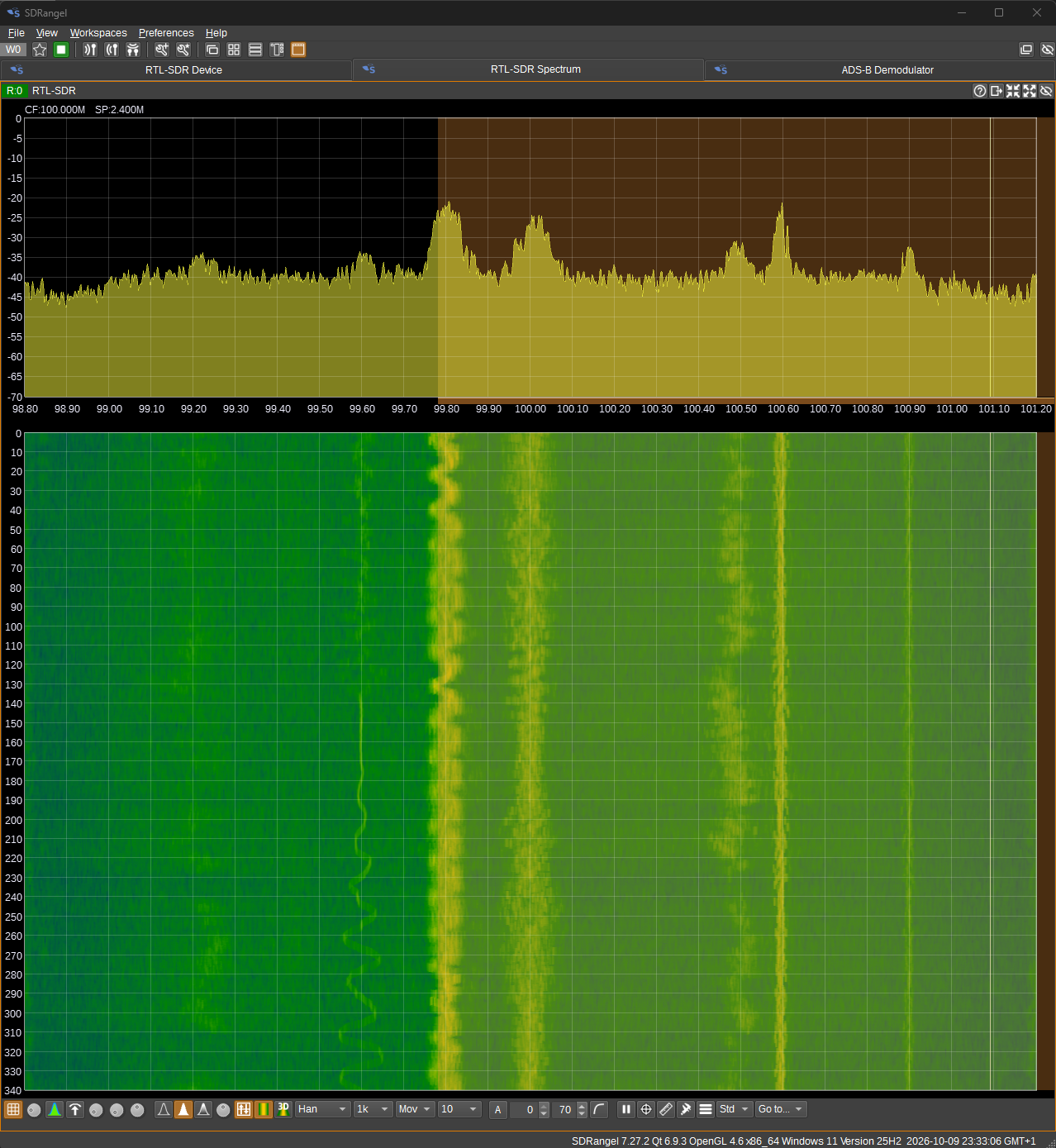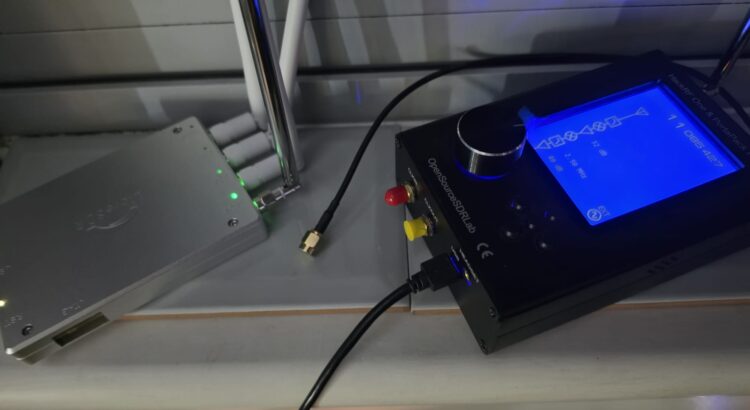
A conventional radio is built around fixed hardware: a dedicated circuit for each band, each modulation, each feature. A Software Defined Radio (SDR) flips this on its head. It uses a generic RF front-end: antenna, low-noise amplifier, mixer, and a fast analogue-to-digital converter, to capture raw signal samples, and then software decides what to do with them. Tuning, filtering, demodulation, decoding: all of it happens in code.
The result is that a single SDR can be an FM radio, an airband receiver, a DAB tuner, a GPS decoder, a Wi-Fi analyser, or a weather-satellite receiver, depending on which software you load.
What can an SDR do?
Listen to almost anything. FM and AM broadcast, DAB, shortwave, airband, marine band, and countless amateur bands all pass through the same device.
Decode the invisible. A modern SDR can decode GPS signals, the ADS-B transponder broadcasts from aircraft overhead, DVB-T/S digital television, and LoRa IoT traffic on 868 MHz. With a pass of a weather satellite, you can even receive a full APT image from a satellite in low-Earth orbit.
Analyse and research. Because you get raw samples, you can run spectrum analysis, measure signal strength, fingerprint protocols, and reverse-engineer unknown transmissions, a staple of RF security research.
Transmit (with care). Devices like the HackRF One are transceivers. With a licence and the correct power, they can broadcast on many bands, a favourite in the security and red-team world for controlled experiments.
The hardware
You don’t need a lab to get started. These are the three receivers I use, from the cheap learning dongle to the research-grade MIMO rig:
NESDR Mini 2 (RTL-SDR): the learning dongle. A USB TV-tuner dongle that turns into a 24-1766 MHz receiver. It’s the classic entry point: a few pounds, plug it in, and you’re looking at the airwaves. The R820T tuner is basic and the stable sample rate tops out around 2.4 MS/s, so it’s perfect for DAB, FM and learning, but not for wideband work. Two things to know from real use: the RF port is MCX (not SMA), so SMA antennas need a short pigtail; and the reference crystal drifts, so you’ll want to calibrate the PPM. No transmit.
HackRF One (in a PortaPack H2): the all-round transceiver. A 1-6 GHz transceiver, the go-to for both receive and transmit. It’s the most versatile of the three: it reaches down to 1 MHz (covering AM broadcast and low-band FM that the B220 can’t) and up to 6 GHz, sampling at up to 20 MS/s. The PortaPack H2 case adds a battery and a screen so it works standalone in the field. It’s a proper transceiver, so with a licence it can broadcast, a favourite in the security and red-team world. The front-end is more basic than the B220’s (higher noise floor), and its crystal needs a PPM correction too.
LibreSDR UHD B220 Mini: the research-grade MIMO rig. A USRP B210/B220 clone (Xilinx XC7A200T FPGA + ADI AD9361 front-end) that’s a big step up. It covers 70-6000 MHz at 61.44 MS/s (3x the HackRF), with 2×2 MIMO and PPS/10 MHz time and clock sync, driven by UHD. The AD9361 front-end is far better: a lower noise floor and better dynamic range. It’s the one to use for wideband work and anything that benefits from MIMO or precise timing. The trade-off: it can’t go below 70 MHz, so the HackRF still covers AM broadcast and low-band FM. Bought for around $320.
| Spec | NESDR Mini 2 (RTL-SDR) | HackRF One (PortaPack H2) | LibreSDR B220 Mini |
|---|---|---|---|
| What it is | USB TV-tuner dongle | USB SDR transceiver | USRP B210/B220 clone |
| Frequency range | 24 MHz-1.766 GHz | 1-6 GHz | 70 MHz-6 GHz |
| Max sample rate | 2.4 MS/s | 20 MS/s | 61.44 MS/s |
| Chains | 1 | 1 | 2×2 MIMO |
| RF front-end | R820T (basic) | basic (higher NF) | AD9361 (high performance) |
| Time/clock sync | none | none | PPS / 10 MHz |
| Driver | rtlsdr (WinUSB) | hackrf | UHD (usrp_b210) |
| Transmit | no | yes (licensed) | yes (licensed) |
| Approx. price | a few £ | ~£300 | ~$320 |
The software
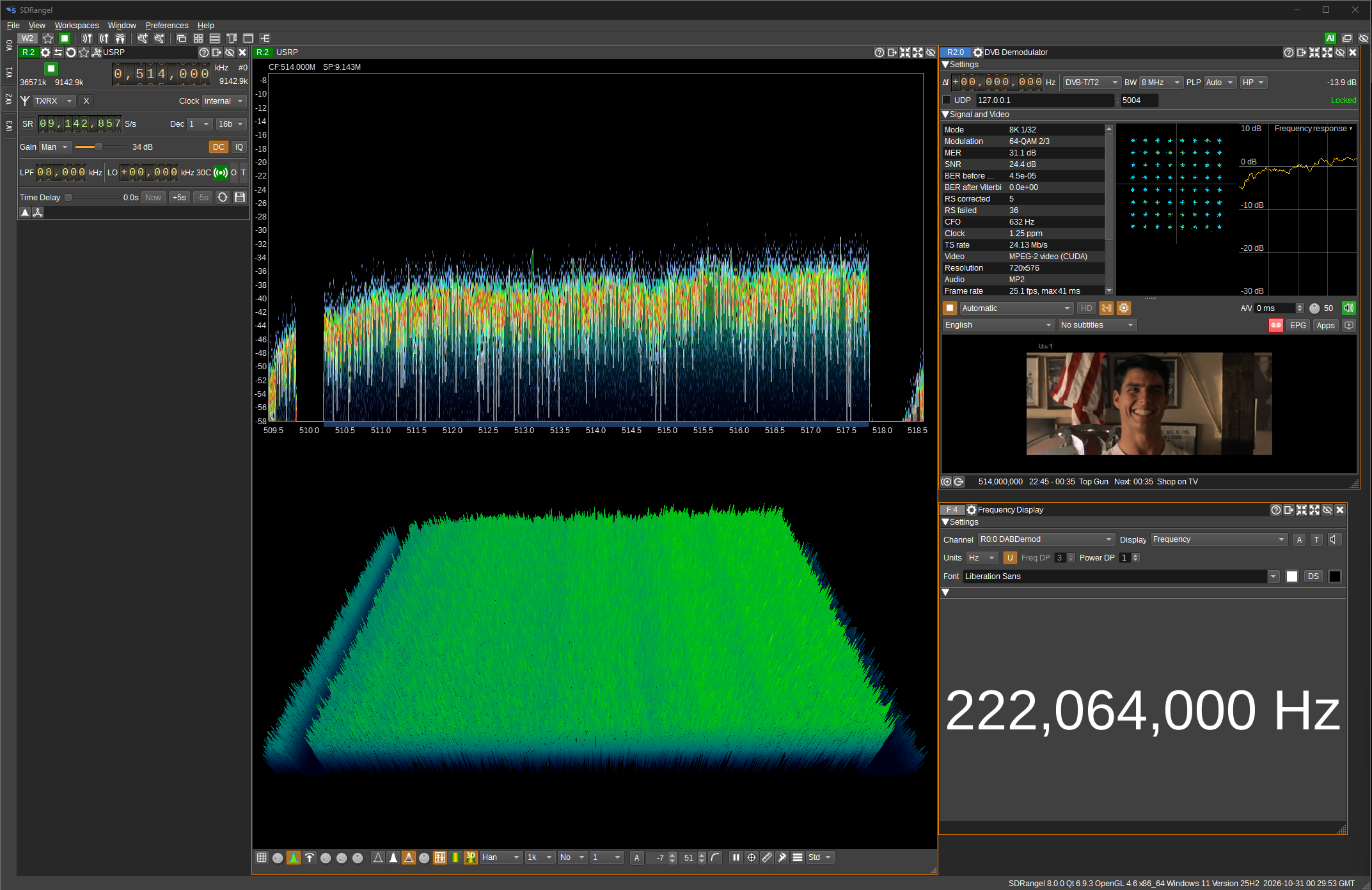
- SDRangel, the flagship. A modern, feature-rich GUI with a live spectrum, a 3D waterfall, and a large library of demodulators (FM/AM, DAB, DVB-T/S, ADS-B, GPS, P25, TETRA, LoRa and more) plus packet decoders. It’s the one I drive the whole rig with, and it has an MCP server so it can be controlled programmatically. The natural pick when you want to see and decode a lot of things at once.
- GQRX / SDR++, lightweight, open-source receiver GUIs. GQRX is the classic, simple one (spectrum, waterfall, and a small set of demodulators) that runs on Linux and Windows; SDR++ is a modern cross-platform successor with a cleaner interface and more demodulators. Pick these when you want a single dongle and a low-overhead receiver without the weight of a full GUI.
- GNU Radio, the toolkit for building custom signal chains. A Python and C++ framework with a huge block library (filters, modulators, demodulators, FFT, decoders) where you wire blocks together to build your own receiver or processor. It’s the most powerful and the most flexible of the four, but also the steepest learning curve. It’s the engine underneath many of the single-purpose decoders too.
- dump1090 / SatDump: single-purpose decoders, each doing one job exceptionally well. dump1090 is a dedicated ADS-B decoder that turns 1090 MHz samples into a live map of the aircraft overhead; SatDump is a dedicated weather-satellite (APT) decoder that turns a satellite pass into an image. Far simpler than a general GUI for that one task, and often more reliable for it.
Tips and tricks for your first sessions
These are the lessons that separate a “it works sometimes” setup from a reliable one, most come from real, measured sessions rather than the datasheet.
- Calibrate your crystal (PPM). Every SDR’s reference crystal is off by a few parts-per-million, which shifts every frequency you tune. Measure the offset against a known strong signal: a DAB multiplex, a GSM cell, or a strong FM station, and set the PPM correction. It won’t eliminate the drift, but it gets you close enough to lock.
- Gain is the opposite of what you’d expect. For strong local signals (FM broadcast) use low gain, overload the front end and you’ll bury the subcarriers (like the RDS data on FM). For weak or distant signals (airband, ADS-B) crank the gain up, because the receiver is noise-limited. The “more gain = better” instinct is exactly backwards for strong signals.
- Location beats antenna beats gain. Moving an antenna from a desk to a window sill is worth more than any upgrade. A magnetic mount placed over foil can lose 15-22 dB. And at VHF your body is part of the antenna, holding a mag-mount shifted the signal by 10 dB.
- Match the antenna to the band. A quarter-wave whip is centred on a specific band (f = c / 4L). A 47 cm telescopic whip is your VHF-low workhorse (DAB, FM, weather-satellite APT at 137 MHz); short 10-18 cm whips and ducks are for UHF (400-900 MHz); and nothing short enough will do for HF (3-30 MHz), you need a loop or a long wire there.
- Wait for sync, then verify. Digital demodulators (DAB, DVB-T, ADS-B) need a couple of seconds to lock and longer to list their services. And “locked” isn’t the whole story, check the BER/SNR and clipping before you call it a clean reception.
- Beware the artifacts. A peak sitting exactly at the centre of a spectrum window is often a DC offset, not a signal, judge by the bins on either side. Whole-MHz vertical lines in the waterfall are usually the receiver’s own spurs, not real carriers.
- The device can be “running” but not streaming. A device set can show as running while the data path is frozen. Trust the spectrum’s “last updated” timestamp, not the running state, for liveness. If it’s frozen, switching the source to a test source and back usually clears it.
- An external amplifier is a double-edged sword. A high-gain booster helps weak/distant signals over long coax, but it amplifies signal + noise + interference and will clip strong local signals. Rule of thumb: weak/distant → amp on; strong local → amp off or receiver gain down.
- Watch your USB. Plugging two dongles into the same hub can trigger a re-enumeration that drops one (or both). Keep them on separate USB controllers.
- A carrier on a grid is a hypothesis, not a fact. To claim a station’s identity you need a decode: an RDS PI, a DAB ensemble name, a decoded packet. A carrier at the right frequency is a strong hint, but confirm it.
A word on legality
Reception is free, you can point an antenna at almost anything and listen. Transmission is not: you need a licence (or an experimental licence) and must stay within permitted power. In the UK, Ofcom handles this.
Why should you care?
An SDR is one of the cheapest ways to see the electromagnetic world. For a student or hobbyist, it’s a hands-on introduction to signal processing, communications, and security, and the same skills transfer directly into network and wireless security work.
Grab a RTL-SDR, install SDRangel, and start listening. The airwaves are full of things you’ve never seen before.